

Latest Version
Version
9.1
9.1
Update
April 09, 2026
April 09, 2026
Developer
Fsoft Production
Fsoft Production
Categories
Design
Design
Platforms
Android
Android
Downloads
3
3
License
Free
Free
Package Name
com.fsoft.FP_sDraw
com.fsoft.FP_sDraw
Report
Report a Problem
Report a Problem
More About sDraw (Drawing app)
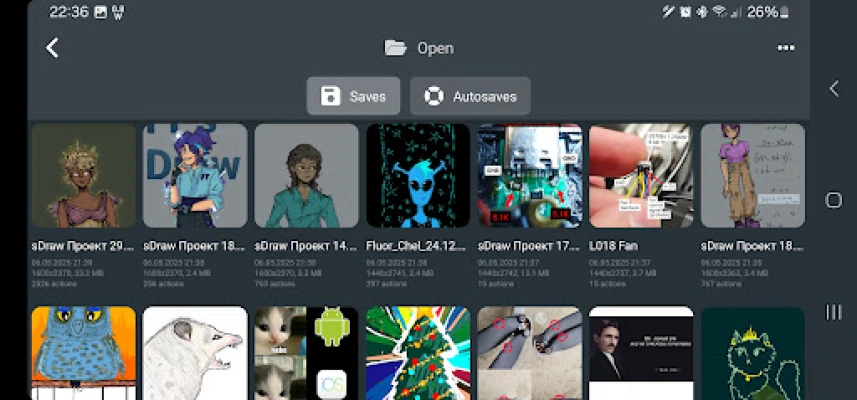
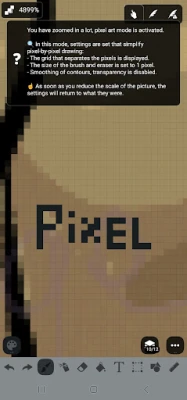
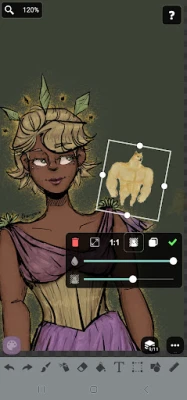
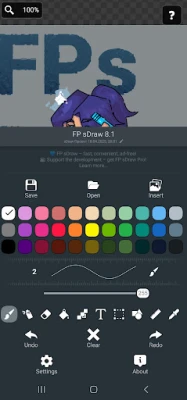
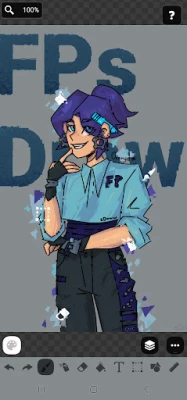
sDraw is a simple and lightweight drawing app - no ads, no clutter, just open and draw.
✅ Designed for those who need a simple tool for simple tasks.
Perfect for quick moments when you need to:
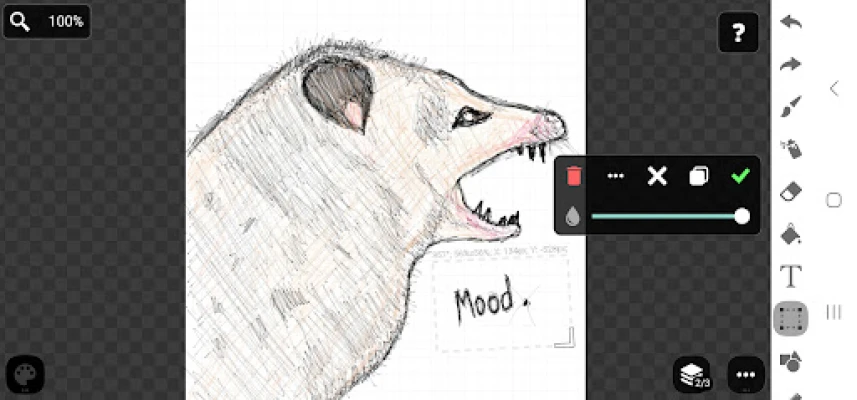
🎭 Create a meme or add text to a photo.
🧠 Sketch a diagram, note, or quick idea.
🖼️ Highlight or mark something directly on an image.
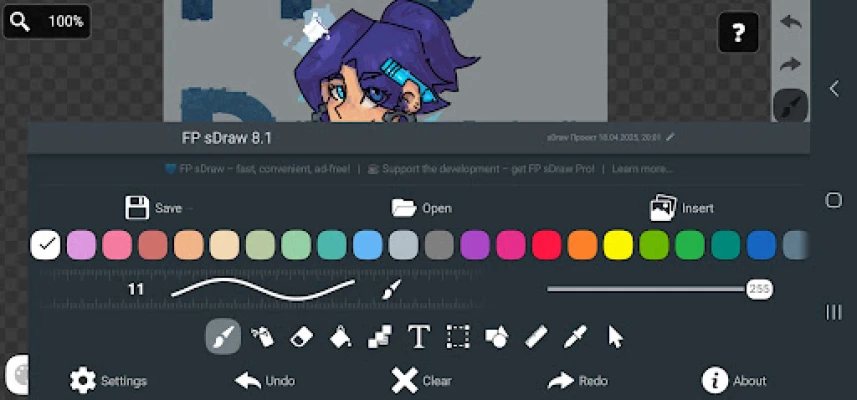
🎨 Experiment with different styles - lines, shapes, airbrush, text, and more.
Why FP sDraw is worth having:
📦 Doesn’t take up space or run in the background.
🛑 No ads - nothing distracts you from drawing.
📉 Less than 1 MB - installs in seconds.
⚙️ No setup needed - starts instantly.
📱 Works even on very old phones.
🧩 Flexible UI - even the button shapes can be customized.
✍️ Stylus support: sPen, Active Pen, etc.
💡 Helpful tips appear only when needed.
🛟 Automatic backup keeps your sketches safe.
🔊 Volume buttons can trigger quick actions.
Drawing tools:
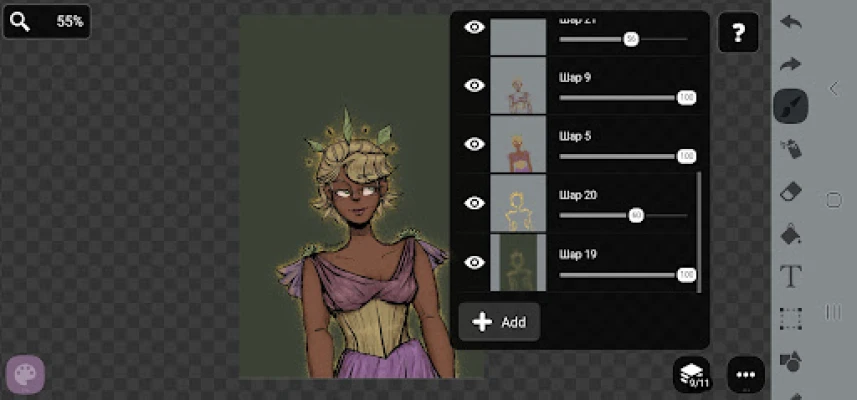
🪄 Layers - organize complex sketches.
🖼️ Insert from gallery.
🖍 Brush and eraser.
🌬 Airbrush.
🏺 Fill.
🅰️ Text.
✂️ Selection.
🔳 Shapes.
📏 Ruler.
🎨 Eyedropper.
🧩 Mosaic.
🖱 Precision brush.
The free version is fully functional - no essential features locked.
Pro version adds a few nice extras:
💛 Support the developer.
🖼️ Option to remove “sDraw” label from saved images.
🚫 Removes the message in the main menu.
🙅♂ No more “Buy Pro” reminders when saving.
⚡️ Projects from the free version are fully compatible with Pro.
🍞 Doesn’t eat resources or space - but always ready when needed 😊
Perfect for quick moments when you need to:
🎭 Create a meme or add text to a photo.
🧠 Sketch a diagram, note, or quick idea.
🖼️ Highlight or mark something directly on an image.
🎨 Experiment with different styles - lines, shapes, airbrush, text, and more.
Why FP sDraw is worth having:
📦 Doesn’t take up space or run in the background.
🛑 No ads - nothing distracts you from drawing.
📉 Less than 1 MB - installs in seconds.
⚙️ No setup needed - starts instantly.
📱 Works even on very old phones.
🧩 Flexible UI - even the button shapes can be customized.
✍️ Stylus support: sPen, Active Pen, etc.
💡 Helpful tips appear only when needed.
🛟 Automatic backup keeps your sketches safe.
🔊 Volume buttons can trigger quick actions.
Drawing tools:
🪄 Layers - organize complex sketches.
🖼️ Insert from gallery.
🖍 Brush and eraser.
🌬 Airbrush.
🏺 Fill.
🅰️ Text.
✂️ Selection.
🔳 Shapes.
📏 Ruler.
🎨 Eyedropper.
🧩 Mosaic.
🖱 Precision brush.
The free version is fully functional - no essential features locked.
Pro version adds a few nice extras:
💛 Support the developer.
🖼️ Option to remove “sDraw” label from saved images.
🚫 Removes the message in the main menu.
🙅♂ No more “Buy Pro” reminders when saving.
⚡️ Projects from the free version are fully compatible with Pro.
🍞 Doesn’t eat resources or space - but always ready when needed 😊
Rate the App
Add Comment & Review
User Reviews
Based on 0 reviews
No reviews added yet.
Comments will not be approved to be posted if they are SPAM, abusive, off-topic, use profanity, contain a personal attack, or promote hate of any kind.












More »

Popular Apps

CloudMoon - Cloud GamingCloudMoon Inc.

Dragon Mania LegendsGameloft SE

Shattered Pixel DungeonShattered Pixel

Airlearn - Learn LanguagesUNACADEMY INC

Cast Web Videos to TV - iWebTVRoku Chromecast Samsung FireTV

Chatspin - Random Video ChatTalk to strangers face to face

Supernova AI Spoken English24/7 Personal AI Tutor

FlipaClip: Create 2D AnimationVisual Blasters LLC

PUBG MOBILELevel Infinite

Mochi Live TVBruno-chanrio
More »
Editor's Choice

Evernote - Note OrganizerEvernote Corporation

Zoom Workplacezoom.com

Notion: Notes, Tasks, AINotion Labs, Inc.

TikTokTikTok Pte. Ltd.

Life360: Live Location SharingLife360

Family360 - GPS Live LocatorFamily360 - GPS Locator

ClassDojoClassDojo

ABCmouse – Kids Learning GamesAge of Learning, Inc.

YouTube KidsGoogle LLC

Google Family LinkGoogle LLC
 Android
 iOS
iOS